Quick Guide
1. Create a new Space
1.
Click (bottom-right)
2.
Select Space
3.
Click Create
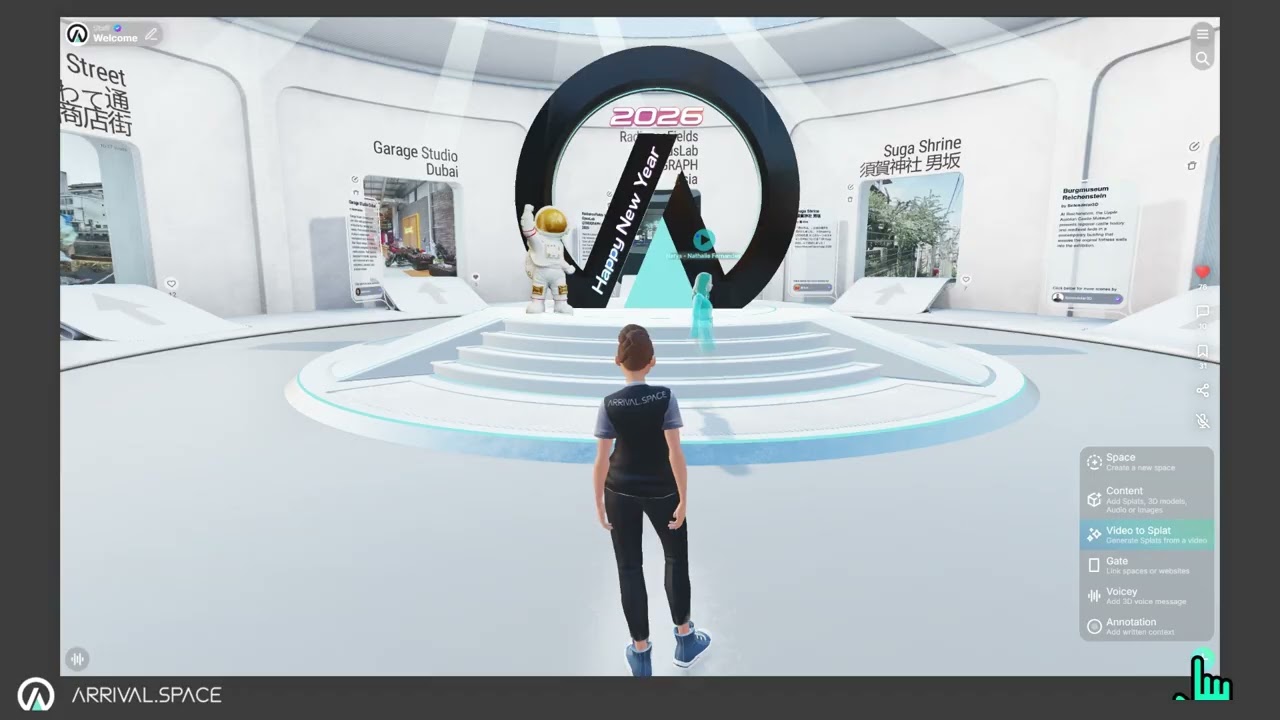
Detailed information can be found in section Create a Space
2. Upload your Content
Gaussian Splats, 3D Meshes, Images, Videos, Sounds
1.
Click button (bottom-right)
2.
Select Content
3.
Choose your asset
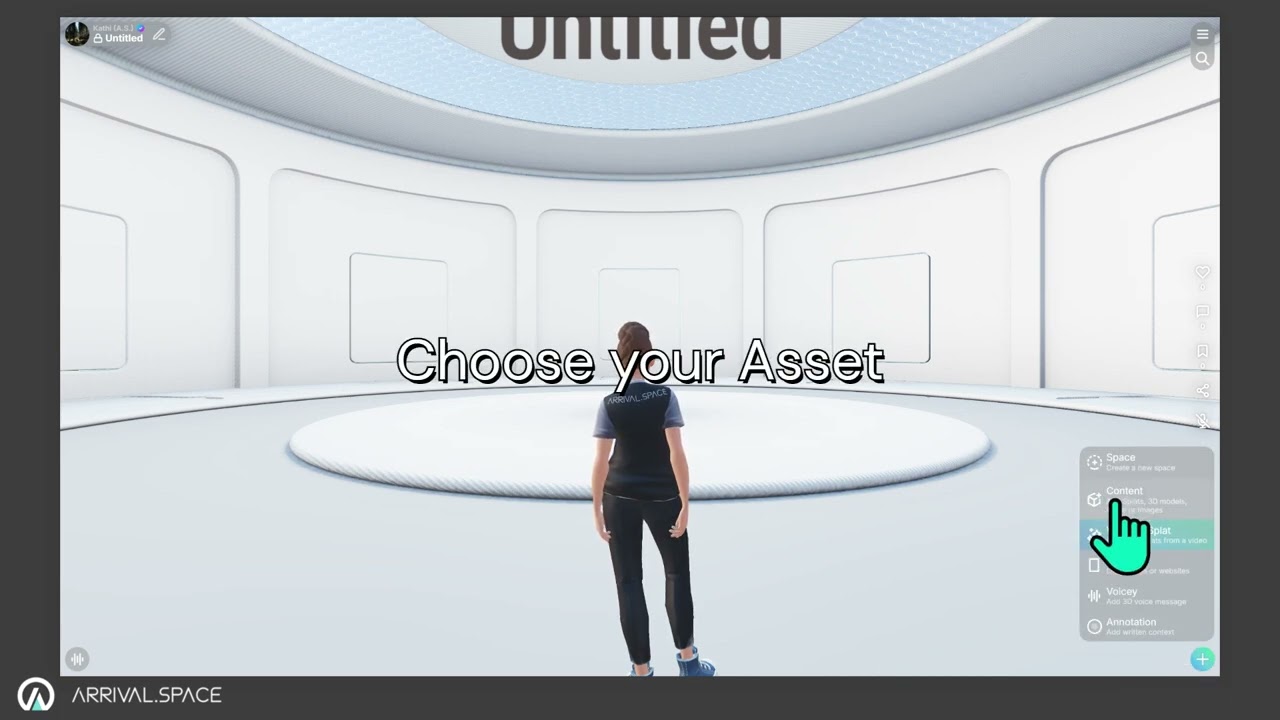
Detailed information can be found in sections 3D Content and Possible Content
Link additional Content
Spaces, Web Links, HTML code
1.
Click the button (bottom-right)
2.
Select Gate
3.
Click to place
4.
Enter a destination
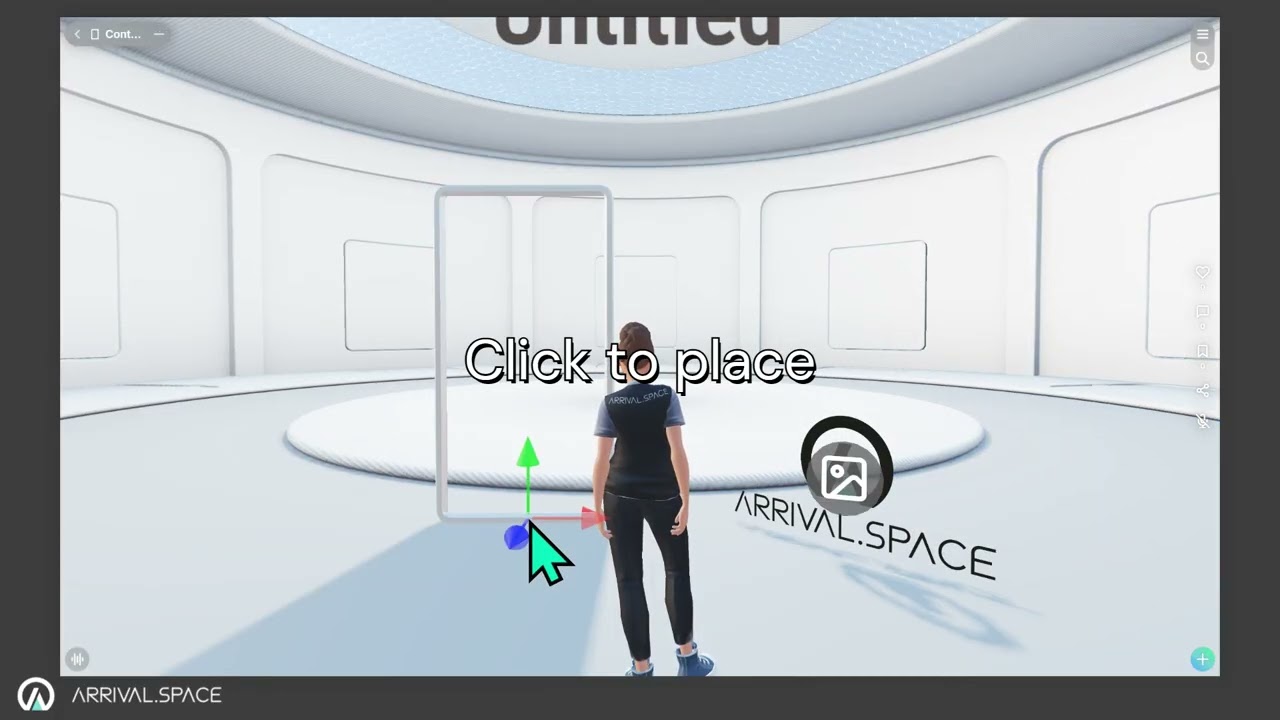
Detailed information can be found in section Gates
3. Edit your Content
1.
Click (top-left)
2.
Switch to the Content tab
3.
Select an asset
4.
Use the gizmo controls to
Move,
Rotate or
Scale the asset
Move,
Rotate or
Scale the asset
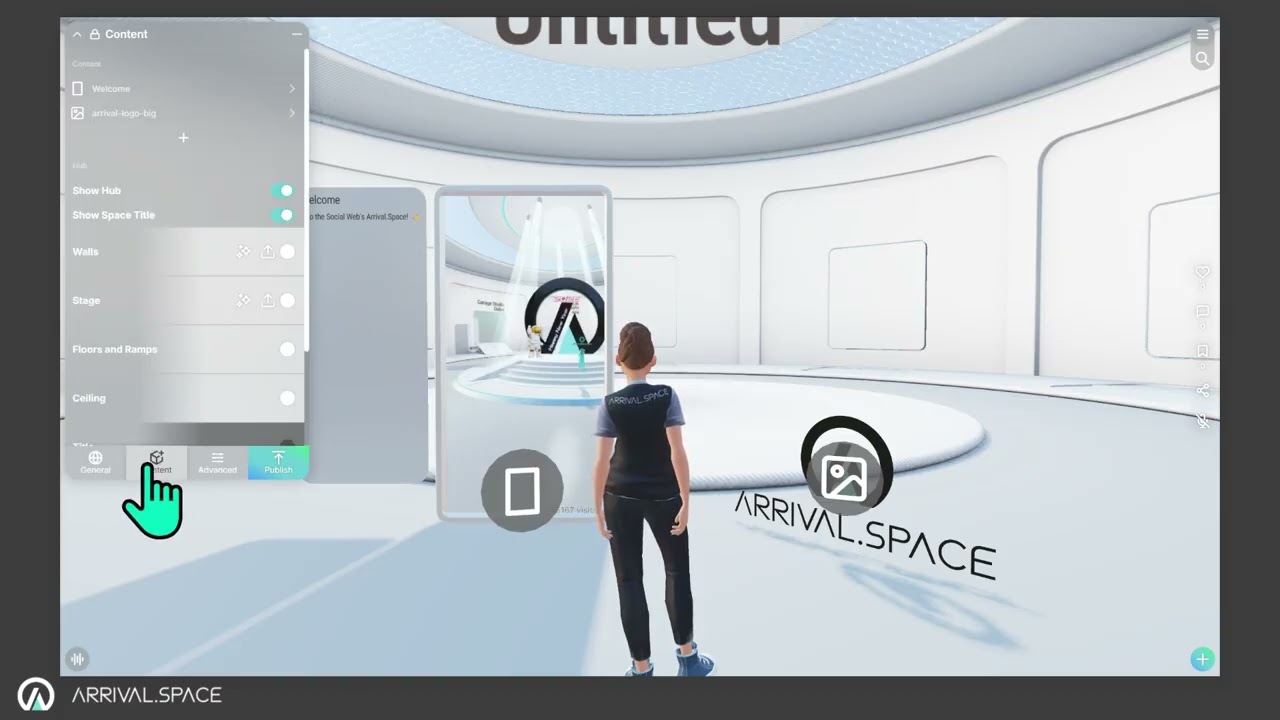
Detailed information can be found in section Place Content
Add a Collision to Splats (make it walkable)
1.
Select an asset
2.
Click Generate to generate a collision
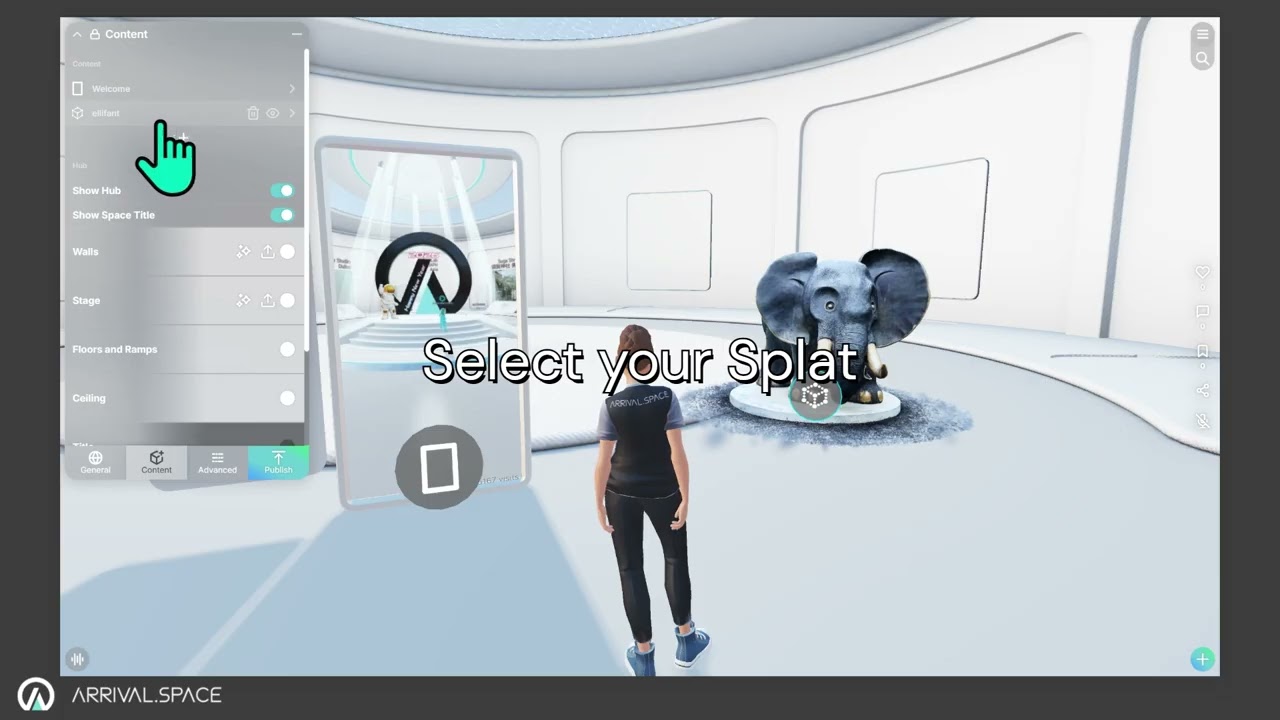
Detailed information can be found in section Collision
4. Customize your Profile and your Avatar
1.
Click Menu (top-right)
2.
Select
3.
Click Edit
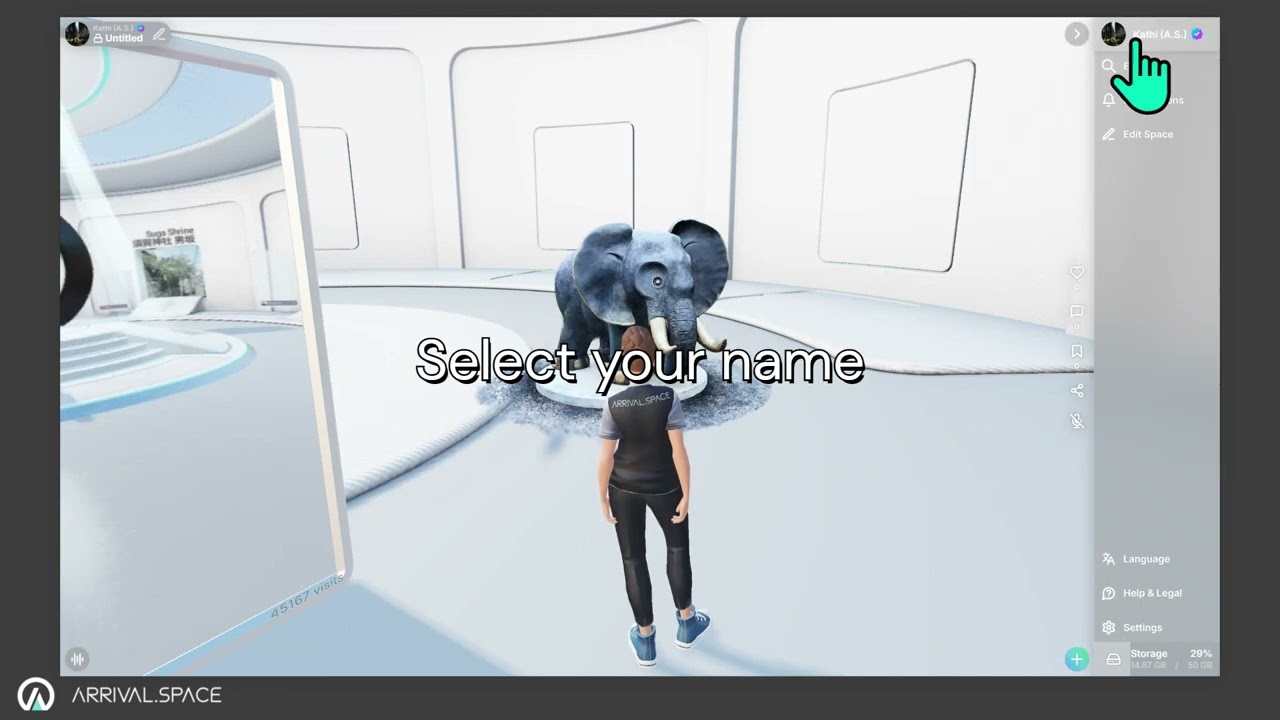
Detailed information can be found in sections Profile Index Card and Avatar
5. Share your Content
1.
Click Share (right)
2.
Select your preferred channel
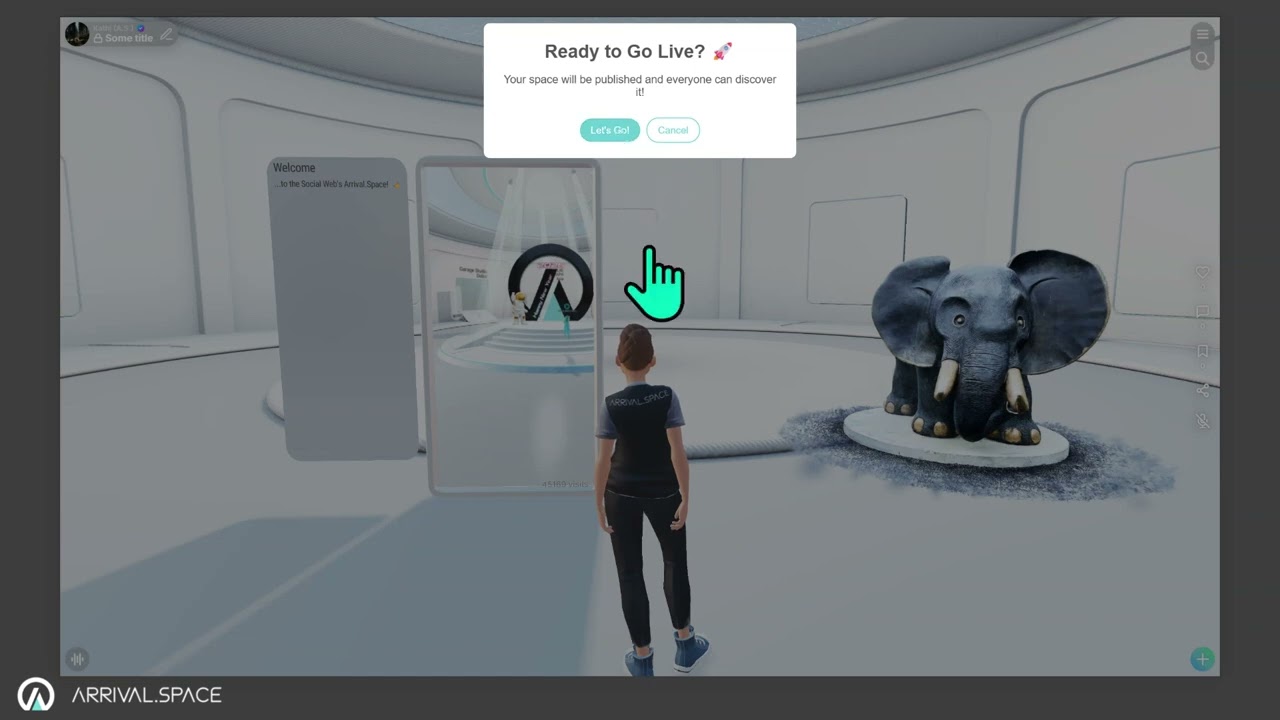
Detailed information can be found in section Share your Content