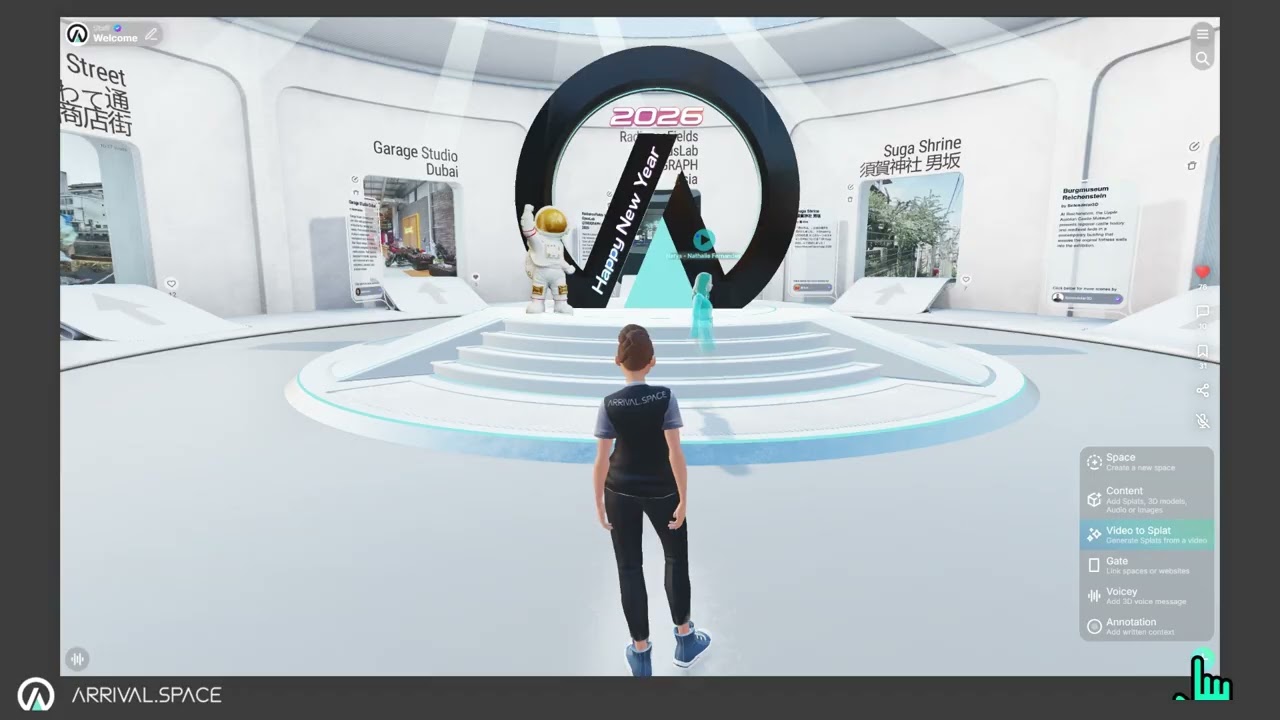
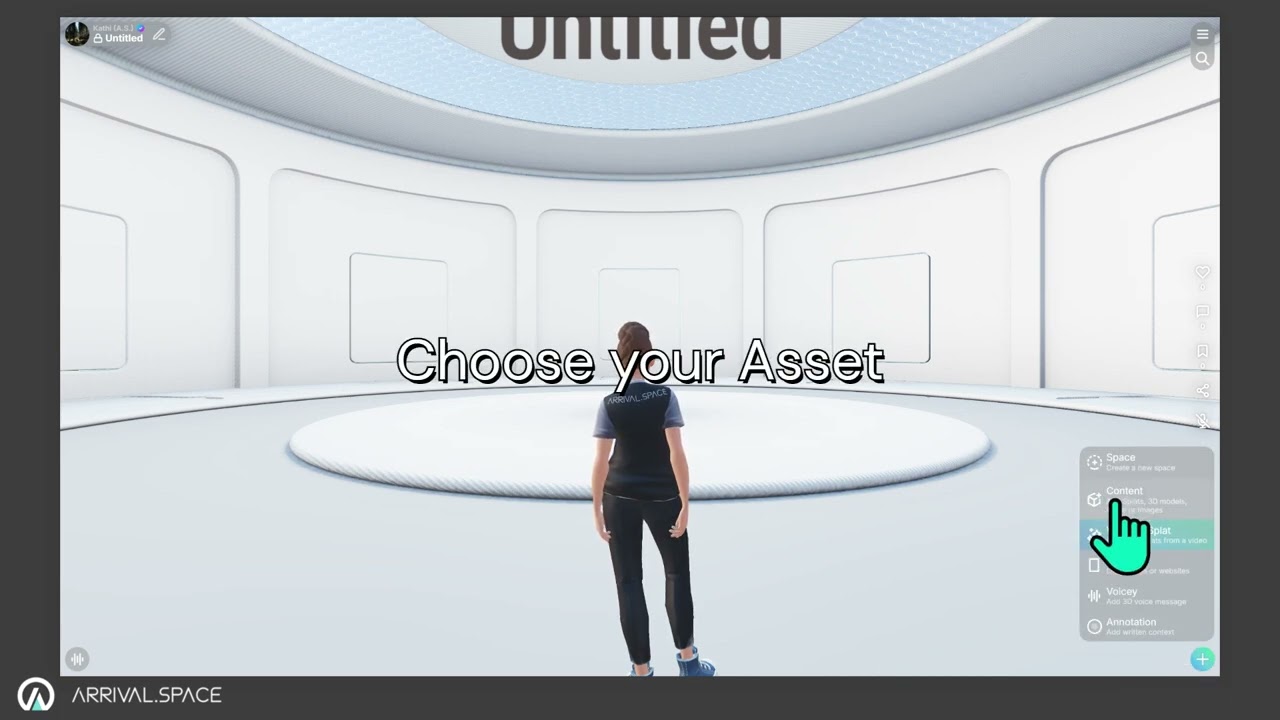
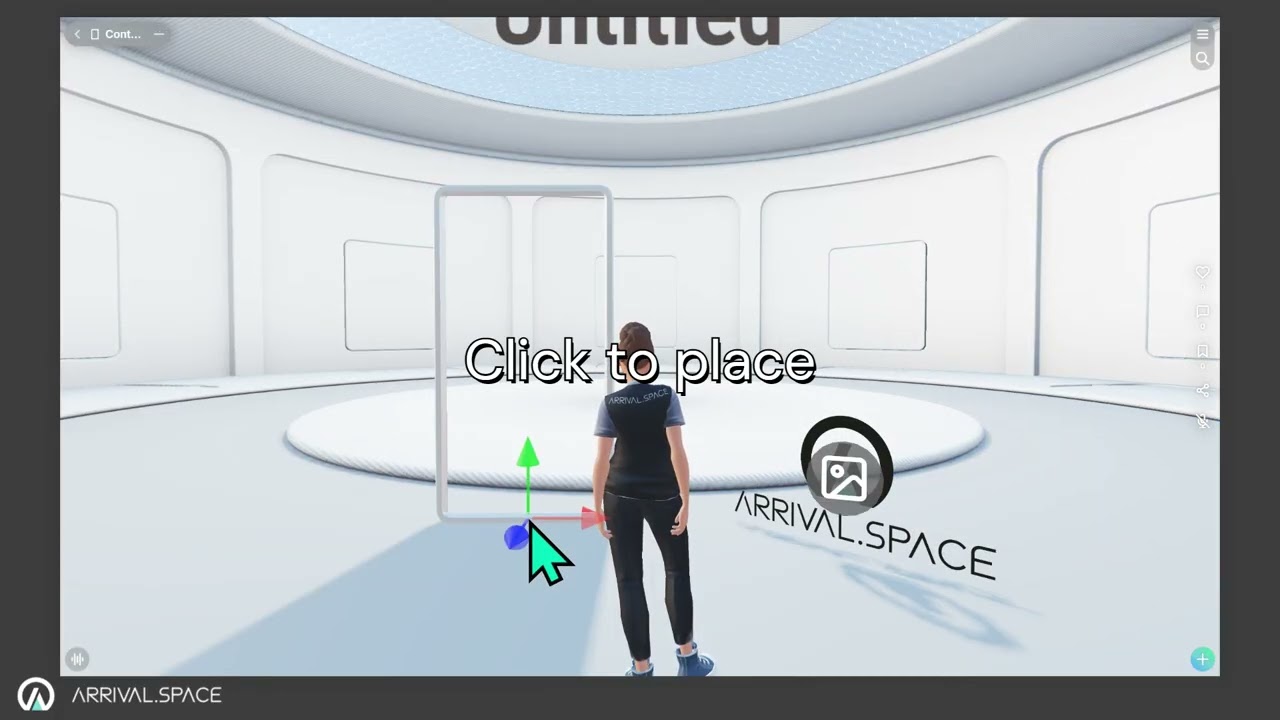
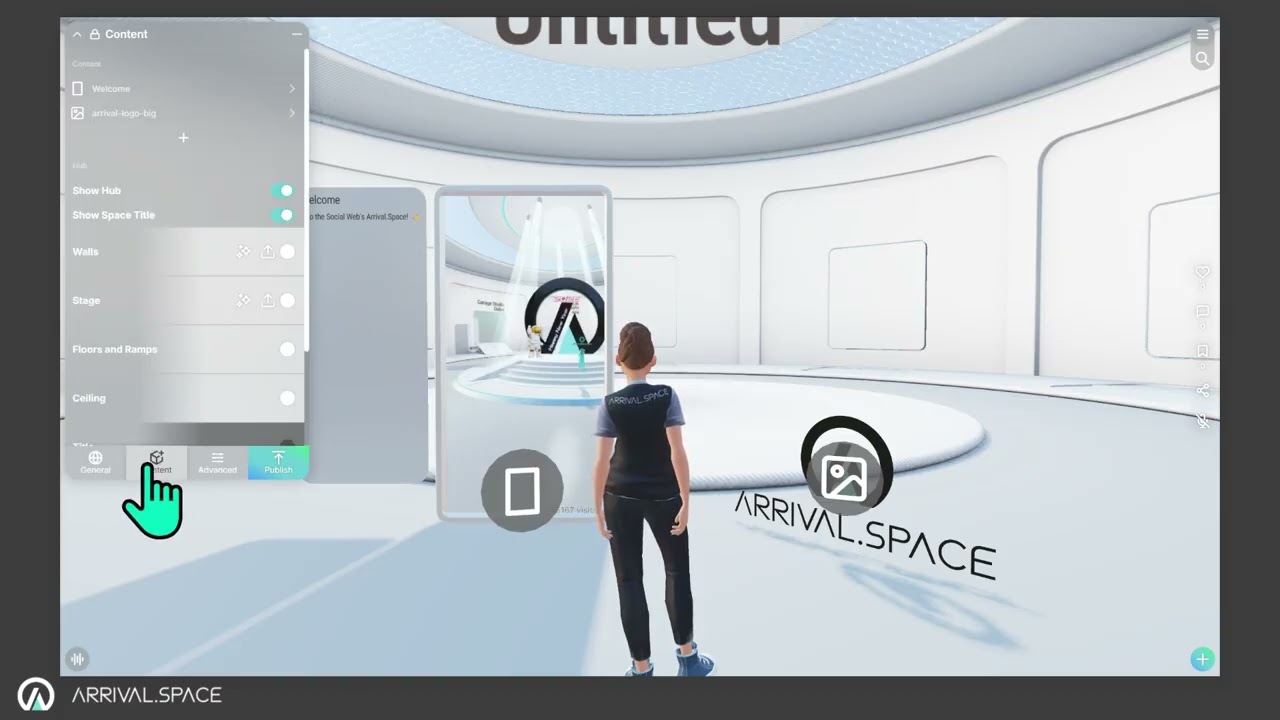
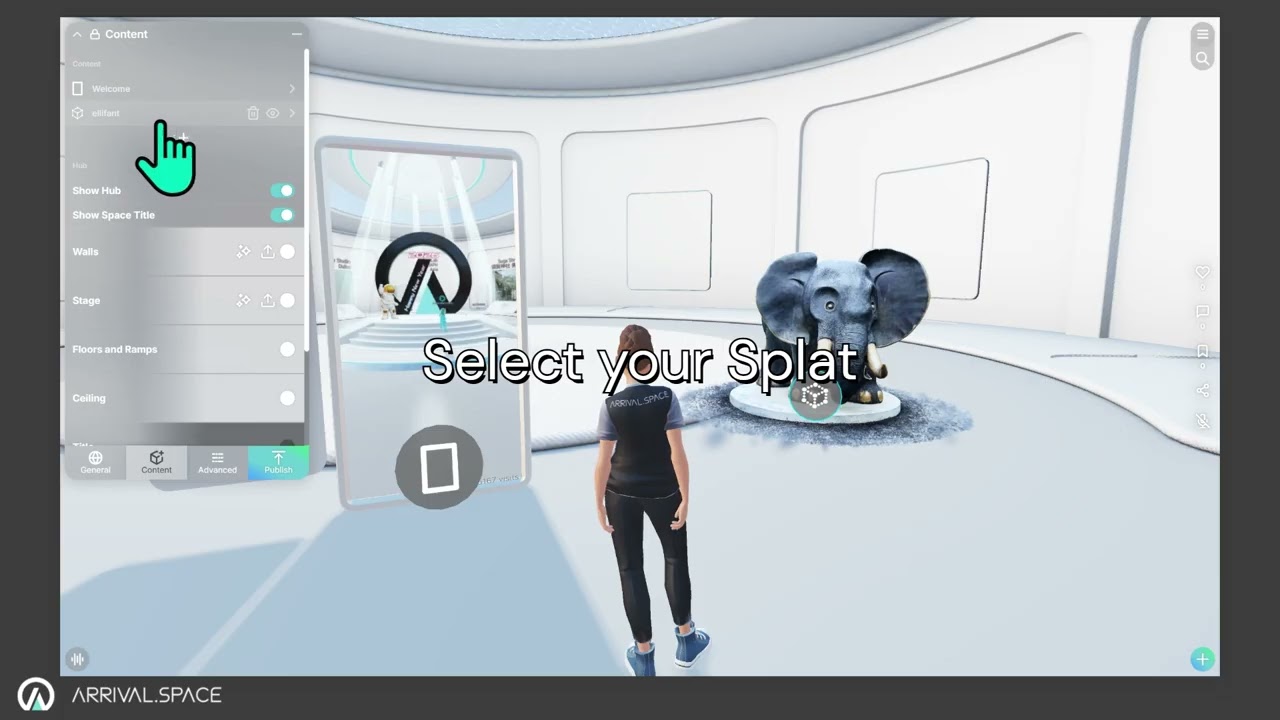
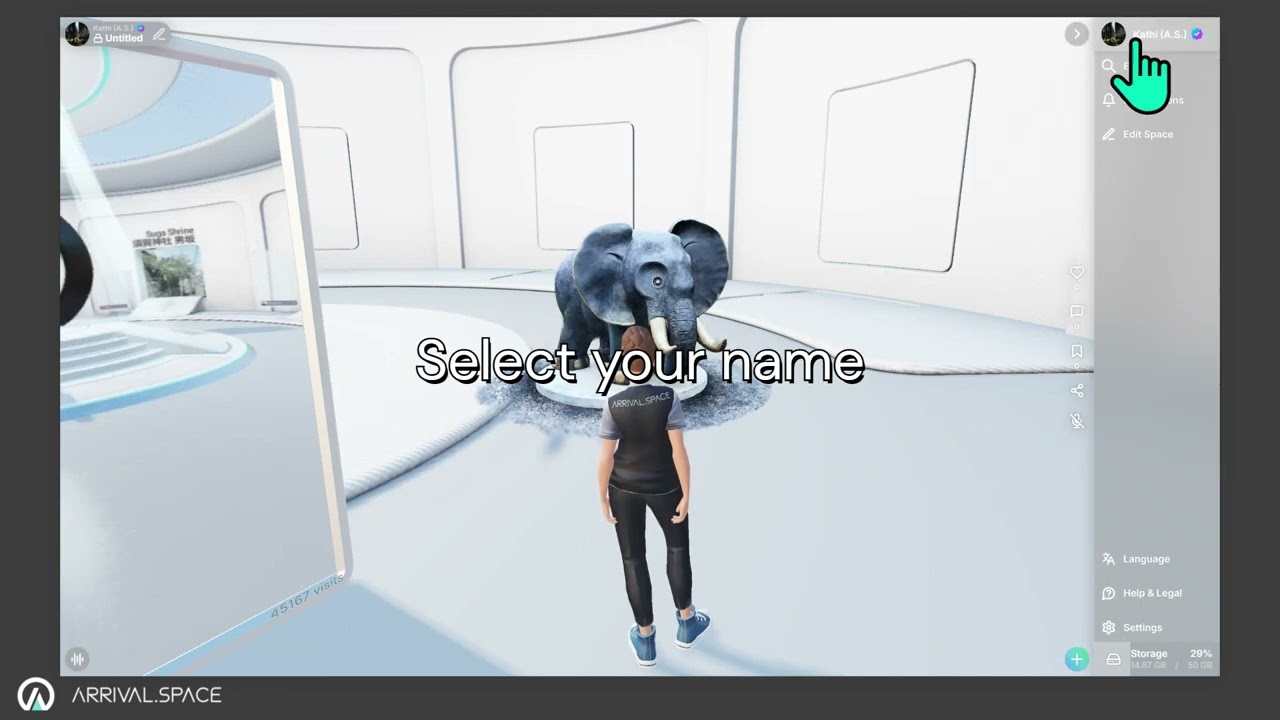
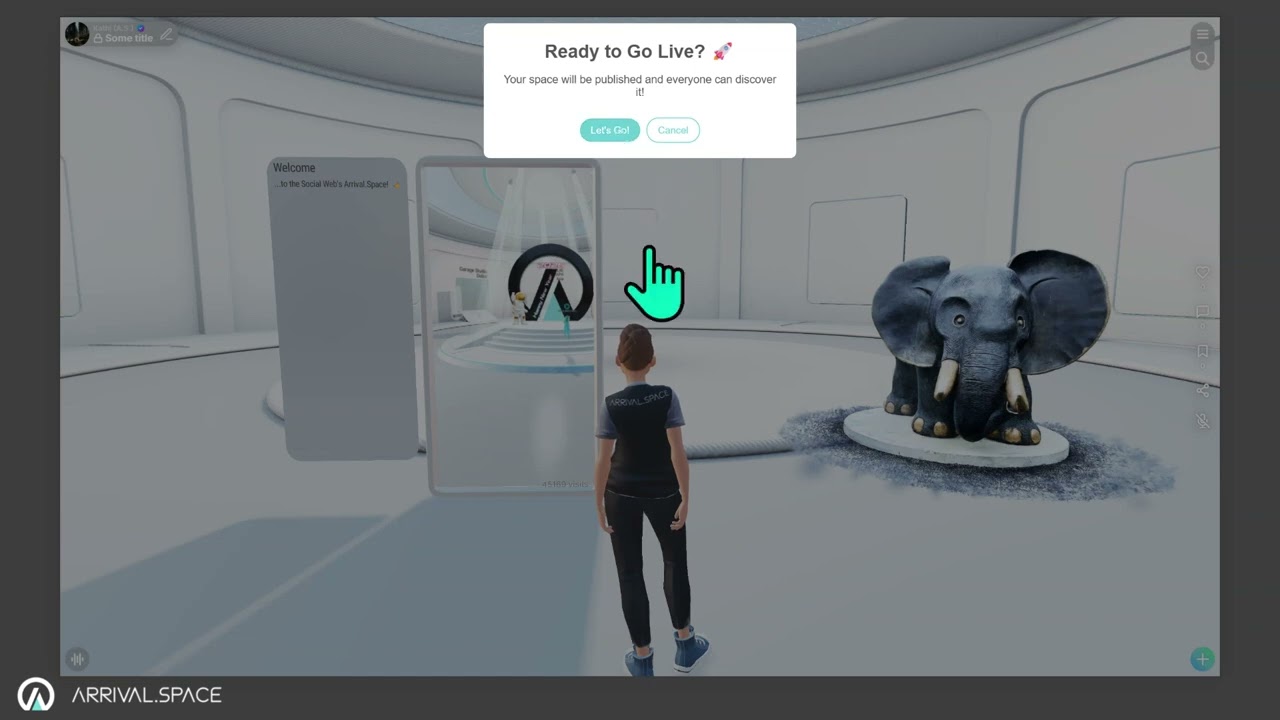
快速指南本页总览快速指南1. 创建新空间 1.点击 (右下角)2.选择 空间3.点击 创建Detailed information can be found in section 创建空间 2. 上传您的内容 Gaussian Splat、3D 网格模型、图片、视频、声音 1.点击 按钮(右下角)2.选择内容3.选择您的资源Detailed information can be found in sections 3D 内容 and 可用内容 关联其他内容 空间、网页链接、HTML 代码 1.点击 按钮(右下角)2.选择 Gate3.点击放置4.输入目标地址Detailed information can be found in section Gates 3. 编辑您的内容 1.点击 (左上角)2.切换到内容选项卡3.选择一个资源4.使用 Gizmo 控件进行 移动、 旋转或 缩放操作Detailed information can be found in section 放置内容 为 Splat 添加碰撞体(使其可行走) 1.选择一个资源2.点击 生成来生成碰撞体Detailed information can be found in section 碰撞体 4. 自定义您的个人资料和虚拟形象 1.点击 菜单(右上角)2.选择 3.点击编辑Detailed information can be found in sections 个人资料名片 and 虚拟形象 5. 分享您的内容 1.点击 分享(右侧)2.选择您喜欢的分享渠道Detailed information can be found in section 分享您的内容